
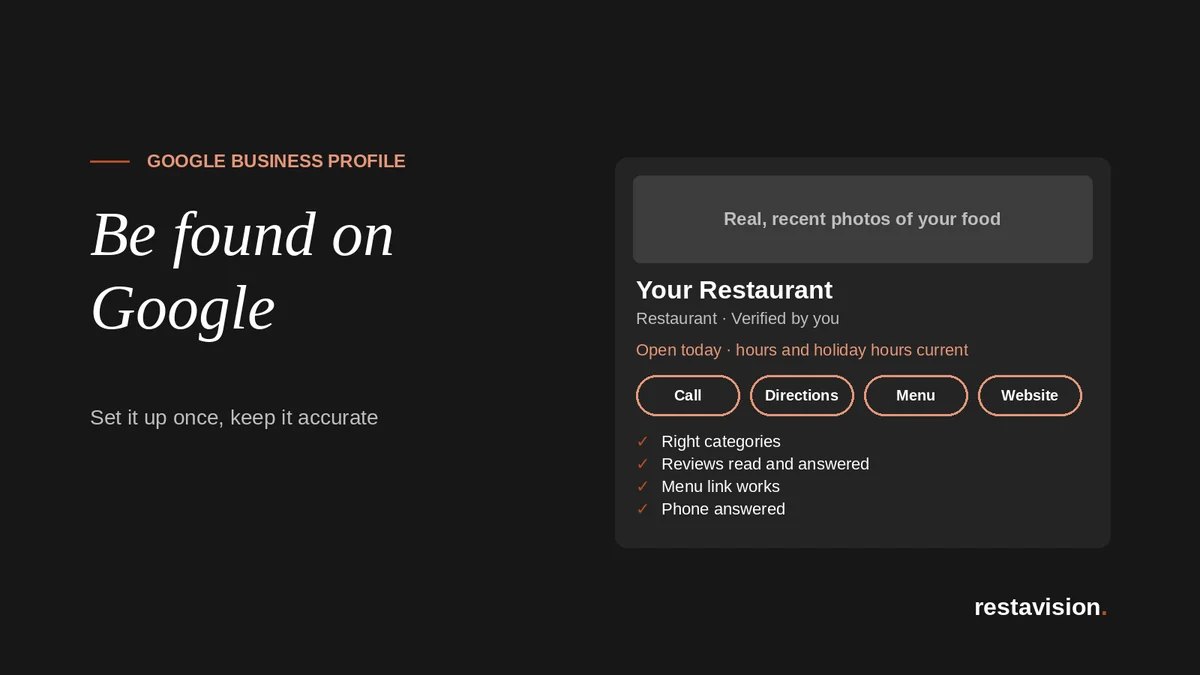
For many restaurants, the first thing a new guest sees is not the website or Instagram, but the Google listing. If the hours are wrong, the photos are old or nobody replies to reviews, that is the first impression. This guide covers how to set up and keep a Google Business Profile that works for a restaurant.
The short answer
Claim and verify your profile, choose accurate categories, keep your hours and holiday hours current, add real photos and a menu link, and reply to reviews. Then review it monthly. It is free, and it is often the page that decides whether a guest walks in.
Set it up properly
- Claim and verify. Use a Google account that the business owns, not a staff member’s personal account, so you do not lose access if someone leaves.
- Use your real name. The name on the signboard, with no extra keywords or offers.
- Choose the main category carefully. Pick the one that best describes you, such as restaurant or café, and add other categories only if they are true.
- Confirm the address and pin. Check the map pin sits on your entrance, not next door.
- Add phone, website and ordering or menu links.
- Set your opening hours exactly as you keep them.
What to keep current
| Part | What to check | How often |
|---|---|---|
| Opening hours | Regular hours and holiday or festival hours | Whenever they change, and before every festival |
| Photos | Recent food, interior and exterior photos, not stock images | Add new ones every month |
| Menu link | Opens a current, readable menu | Whenever the menu or prices change |
| Description | Plain, honest summary of what you serve | Twice a year |
| Phone and links | Calls reach someone who answers, links work | Monthly |
| Reviews | Read and reply, especially to negative ones | Weekly |
Photos that help guests decide
- Show your best-selling dishes as they really look when served.
- Use daylight or good light, and a clean plate and background.
- Add the entrance and the seating, so guests know what to expect.
- Remove outdated photos, such as an old menu or a previous fit-out.
Reviews are part of the profile
Guests read reviews before they read anything else. Reply to them, especially the negative ones, with the five-part structure in our guide on how to respond to negative reviews. If a review looks fake or abusive, see what you can do about unfair and fake reviews. Make it easy for happy guests to leave a review with a QR code, and never offer a reward for one.
Mistakes that cost you guests
- Wrong or missing holiday hours. Guests arrive at a closed door and leave a bad review.
- An unclaimed profile. Anyone can suggest changes, and you may not see them.
- Keywords in the name. It can get the profile suspended.
- Old photos and menus. They set expectations you cannot meet.
- One person holds the login. Add a second owner or manager so access does not depend on one person.
A fifteen-minute monthly check
- Search for your restaurant on Google and Maps, as a guest would.
- Check the hours, phone number and links.
- Add a few new photos.
- Read and reply to new reviews.
- Note any wrong information suggested by others and correct it.
Google changes the options inside the profile from time to time, so rely on what your own dashboard shows. For the bigger picture, see our guide on restaurant reviews and ratings.
Common questions
What is a Google Business Profile?
It is the free listing that appears on Google Search and Google Maps when someone looks for your restaurant. It shows your name, address, hours, photos, menu link, reviews and a way to call or get directions.
How do I claim my restaurant’s profile?
Search for your restaurant on Google or Maps while signed in with the Google account you want to use, then follow the option to claim or manage the profile and complete the verification Google asks for. The steps change, so follow what you see on screen.
What should my business name be?
The name on your signboard, exactly as customers know it. Do not add keywords, locations or offers to the name field, because that can get the profile suspended.
How often should I update it?
Check it once a month, and every time hours, menu or contact details change, including festival and holiday hours.
Do photos matter?
Yes. Real, recent, well-lit photos of food, interior and exterior help guests decide. Avoid stock photos.
Do I have to reply to reviews?
You do not have to, but you should. See our guides on replying to negative reviews and on unfair reviews.
Make your listing work harder
Share your restaurant’s name and we will tell you what to fix first.
