
Between 24 December and 1 January, restaurants, cafés, bars and clubs see some of the biggest crowds of the year, and delivery kitchens see a surge in orders. Guests book early, groups are larger and expectations are higher. The same days bring staff leave, supplier holiday closures and a kitchen asked to cook dishes it has never made before. The outlets that handle it well plan five weeks ahead, not five days. This playbook follows the same countdown as our Diwali playbook, adapted for Christmas and New Year.
The short answer
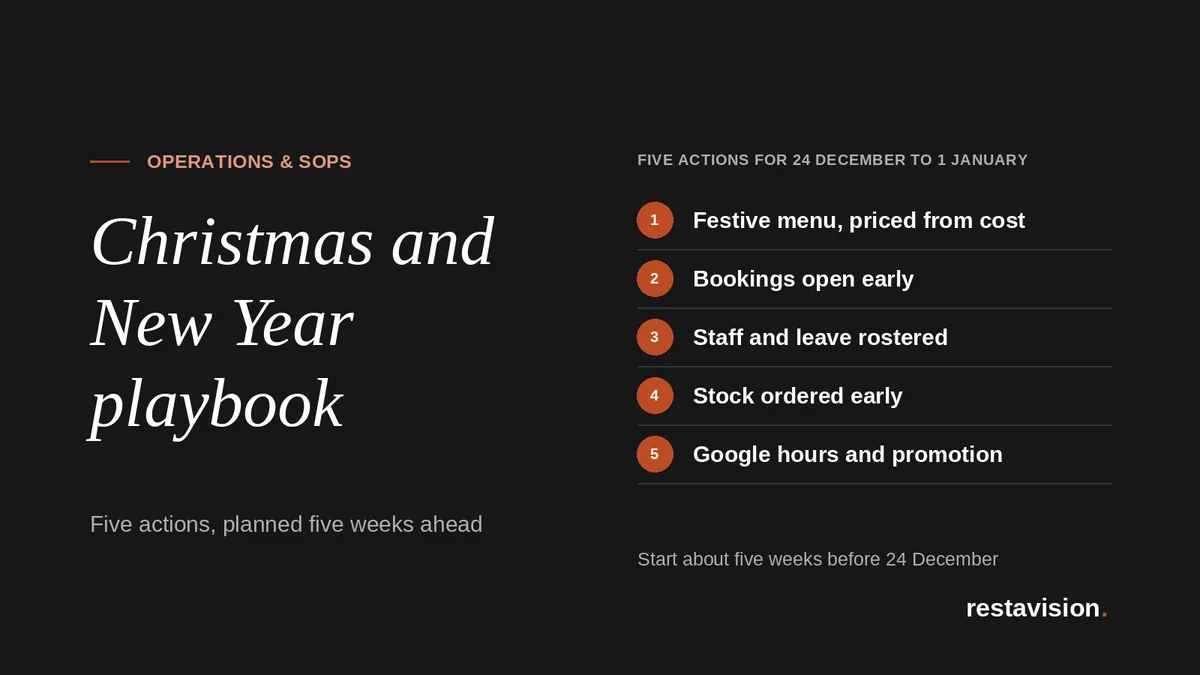
Five actions decide most of what goes right or wrong at Christmas and New Year. Start about five weeks before 24 December.
- Plan a short festive menu and price it from real cost.
- Open bookings early, with a table-turn plan for 24 and 25 December and for 31 December.
- Roster staff and leave for 24 December to 1 January.
- Order stock early, and confirm supplier lead times and holiday closures.
- Update your regular and holiday hours on Google, and start promotion about four weeks ahead.
The rest of this guide explains each action and ends with a week-by-week countdown you can follow.
What to expect from sales
In Restavision’s experience, sales from 24 December to 1 January usually run about 20% above regular sales. Treat that as a starting point, not a forecast.
Your own figures matter more. Pull last year’s sales for the same days, split them by day and by meal, then adjust for any change in seats, menu, prices or promotion since then. Plan stock, staff and table turns against that number, not against an average week.
Know the dates
The dates below are for 2026 and 2027. Peak days vary by format: a café may be busiest at lunch, a club late at night. Mark your own peak days on the calendar before you plan anything else.
| Date | Day | How we suggest running it |
|---|---|---|
| 24 December | Thursday | Christmas Eve. Cover charge for the evening, with an advance taken at booking. |
| 25 December | Friday | Christmas Day. Cover charge for the entire day, with an advance taken at booking. |
| 26 to 30 December | Saturday to Wednesday | Regular service with the festive menu. Plan restocking and rest breaks for the team. |
| 31 December | Thursday | New Year’s Eve. Cover charge at both lunch and dinner, with an advance taken at booking. |
| 1 January | Friday | New Year’s Day. Cover charge at both lunch and dinner, the same as 31 December. |
Open bookings early and plan your table turns
Early bookings give you firm numbers for stock and staff. The risk runs the other way: taking more bookings than the kitchen and the floor can serve.
- Open bookings as soon as the menu and cover charges are fixed, about four weeks ahead.
- Plan the table turns: for 24 and 25 December and for 31 December, decide how many seatings you run, how long each lasts and how many covers the kitchen can send out per seating.
- Cap bookings at what you can serve well: leave a margin for late arrivals, longer stays and walk-ins. A full book is not the same as a good night.
- Confirm every booking in writing: send the date, time, number of guests, cover charge, advance received and cancellation terms by message.
- Reconfirm in the last week: a short message or call a day or two before helps reduce empty tables.
- Decide your walk-in policy: how many tables, if any, you keep for walk-ins, and how you run a waiting list.
Cover charges and advances
For the biggest days, our advice is to move from à la carte to a cover charge, and to take an advance when the guest books.
| Day | When the cover charge applies |
|---|---|
| 24 December | Evening |
| 25 December | The entire day |
| 31 December | Lunch and dinner |
| 1 January | Lunch and dinner |
How to run it:
- Take an advance when you confirm the booking.
- Adjust the advance against the cover charge on the day, so the guest pays only the balance.
- Say what the cover charge includes (for example a set menu, entry, entertainment or a food and drink credit) in every post, listing and booking message.
- Put the terms in writing: the advance amount, cancellation, change of date, and what happens if the guest does not arrive.
- Keep a simple record: guest name, number of guests, advance received, how it was paid and the balance due.
Advances turn hopeful bookings into firm ones, which lets you buy stock and roster staff against real numbers. Delivery kitchens have no cover charge; use order cut-offs and a limited menu instead (see the peak days section).
Roster staff and leave for 24 December to 1 January
Many team members want time off at this time of year, often on the same days demand peaks. Settle it early and in the open.
- Publish the leave calendar about three weeks ahead, and agree who works which days.
- Roster for the peak, not the average: kitchen, floor, bar and dishwashing, plus packing and dispatch for delivery.
- Book extra hands early and train them before the peak days, not during them.
- Cross-train key people so that one absence does not stop a station.
- Plan breaks and handovers. Long shifts on back-to-back days cause mistakes.
- Consider a festive incentive for working the peak days.
- Brief the whole team on the menu, the cover charges, the booking list and what to do when the kitchen is full.
Order stock early and confirm supplier closures
Stock-outs on the busiest nights cost sales and goodwill. Most of the work is done on the phone, weeks before.
- Ask every key supplier for holiday dates and lead times. Some suppliers close or change delivery days over the holidays. Get the answer in writing.
- Forecast by day and by item from last year’s sales and the uplift you expect.
- Order early for high-value and long-lead items, and name a backup supplier for each.
- Plan storage: confirm cold-room, freezer and dry-store space before deliveries land, and label and date everything.
- Check quality at receiving: temperature, smell, packaging and dates. Reject anything doubtful.
- Count stock before 24 December so you know what you really have.
- Include bar stock, mixers, ice and disposables in the same plan if you run a bar or club.
Update Google and start promotion about four weeks ahead
Guests look you up before they book. Make sure what they find is correct, and give them a reason to choose you early.
- Update your hours on Google: regular hours, and holiday hours for 24 and 25 December, 31 December and 1 January. Our guide to Google Business Profile for restaurants explains how.
- Start promotion about four weeks ahead, which this year means from around 26 November.
- Share the essentials: date, time, what the menu or cover charge includes, how to book and how to pay the advance.
- Use your own channels first: past guests by message, Instagram, Facebook and your Google profile.
- Send reminders at four, two and one week to go.
- Answer enquiries quickly. An unanswered booking message is a lost table. If guests message you on WhatsApp, our guide to taking orders on WhatsApp covers the business profile and quick replies.
Four mistakes we see most often
The same four problems come up year after year. Each one is easy to avoid if you plan early.
| Mistake | What goes wrong | What to do instead |
|---|---|---|
| No special menu | Guests see nothing new, there is little reason to pay festive prices, and the kitchen runs a normal menu under abnormal pressure. | Fix a short festive menu or set menu and price it from real cost. |
| Taking more bookings than you can serve | Tables wait, the kitchen backs up, service slows and reviews suffer. | Set seatings and a booking cap based on what the kitchen and floor can handle. |
| Being understaffed | Slow service, mistakes and a tired team on the busiest days. | Roster for the peak, book extra hands early and train them before the day. |
| Launching new items without tasting them first | New dishes meet real guests for the first time on the busiest night of the year. | Hold tastings and a trial service before launch. Fix taste, portion, timing and price. |
Run the peak days
- Brief before every peak shift: covers expected, the menu, items running low and who is in charge.
- Keep the menu tight on the day, and switch off items as they run out.
- Delivery kitchens: set order cut-offs, limit the menu to dishes that travel well, set realistic preparation times on delivery apps and switch off dishes the kitchen cannot keep up with. Think carefully before discounting on days that are already full; our guide to delivery app commissions and margins shows how to check whether an offer pays.
- Keep food safety tight at volume: hot food above 60°C, cold food at or below 5°C, cooked food cooled quickly, raw and cooked kept apart, and temperature and cleaning records filled in. Our hygiene and FSSAI compliance guide covers the controls in detail.
- Watch decor and lighting: keep candles and open flames away from fabric and walkways, check lights and extension boards, keep exits clear and extinguishers accessible.
- Know your safe capacity and do not go over it, however many people are waiting.
Week-by-week countdown to 24 December
This year 24 December falls on a Thursday, so each week below starts on a Thursday. If you are reading this later, join the plan at the week you are in and do the earlier steps first.
| When | Focus | What to do |
|---|---|---|
| 5 weeks to go from 19 November | Plan | Fix the festive menu and cost every item. Decide the cover charges and the advance. Draft the roster and leave calendar. Ask suppliers for holiday dates and lead times. |
| 4 weeks to go from 26 November | Announce | Open bookings. Update regular and holiday hours on Google. Start promotion and publish the cover charge details. |
| 3 weeks to go from 3 December | Test | Hold menu tastings and a trial service. Publish the roster and confirm extra staff. Get supplier lead times and closures confirmed in writing. |
| 2 weeks to go from 10 December | Order | Place stock orders, with backups. Train the team on the menu and the booking process. Book the deep clean and pest control. Finalise the table-turn plan. |
| 1 week to go from 17 December | Prepare | Receive and check stock. Print menus and signs. Reconfirm bookings. Brief the whole team and walk through each peak day. |
| 24 December to 1 January | Run | Run opening, hygiene and closing checklists every shift. Brief before each peak shift. Keep stock, booking and advance records up to date. |
| 2 to 8 January | Review | Compare sales, covers and wastage with last year and with your plan. Note what worked and what to change, and keep the notes for next year. |
A festive season planned in writing is easier to repeat and improve. The notes you make this year become next year’s plan.
Common questions
How early should a restaurant start planning for Christmas and New Year?
About five weeks before 24 December. Fix the menu, cover charges, roster and suppliers first, then open bookings and start promotion about four weeks ahead.
Should I charge a cover charge at Christmas and New Year?
Our advice is to run the biggest days on a cover charge: the evening of 24 December, the entire day on 25 December, and lunch and dinner on 31 December and 1 January. Take an advance when the guest books and adjust it against the cover charge on the day. Say clearly what the cover charge includes.
How much will my sales rise between 24 December and 1 January?
In Restavision’s experience, sales from 24 December to 1 January usually run about 20% above regular sales. Use it as a starting point and check it against your own sales from last year.
What are the most common mistakes?
Running no special menu, taking more bookings than you can serve, being understaffed, and launching new menu items without tasting them first.
Does this apply to cafés, delivery kitchens, bars and clubs?
Yes. The same five actions apply to every format: menu, bookings, staff, stock and promotion. The details differ. Delivery kitchens have no cover charge and rely on order cut-offs and a limited menu instead.
Planning for Christmas and New Year?
Share your format and your festive plans with Restavision, and we will take it from there.
